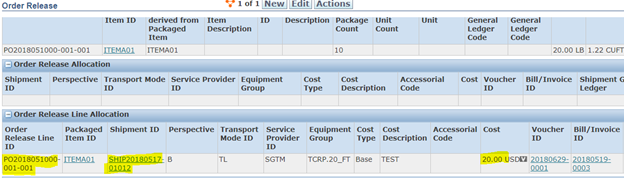
After an invoice is approved, OTM creates a Voucher record for it. Voucher Allocation distributes the total freight cost across the Order Releases on the shipment — proportionally by weight or volume — so each PO or Order Release line carries its share of the freight charge.
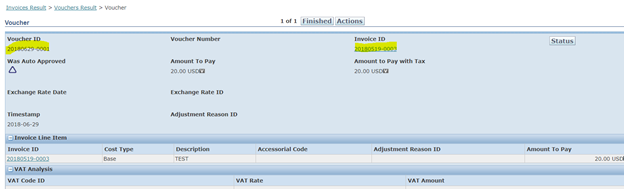
Voucher record after invoice approval:
OTM automatically creates the voucher once the invoice is approved:
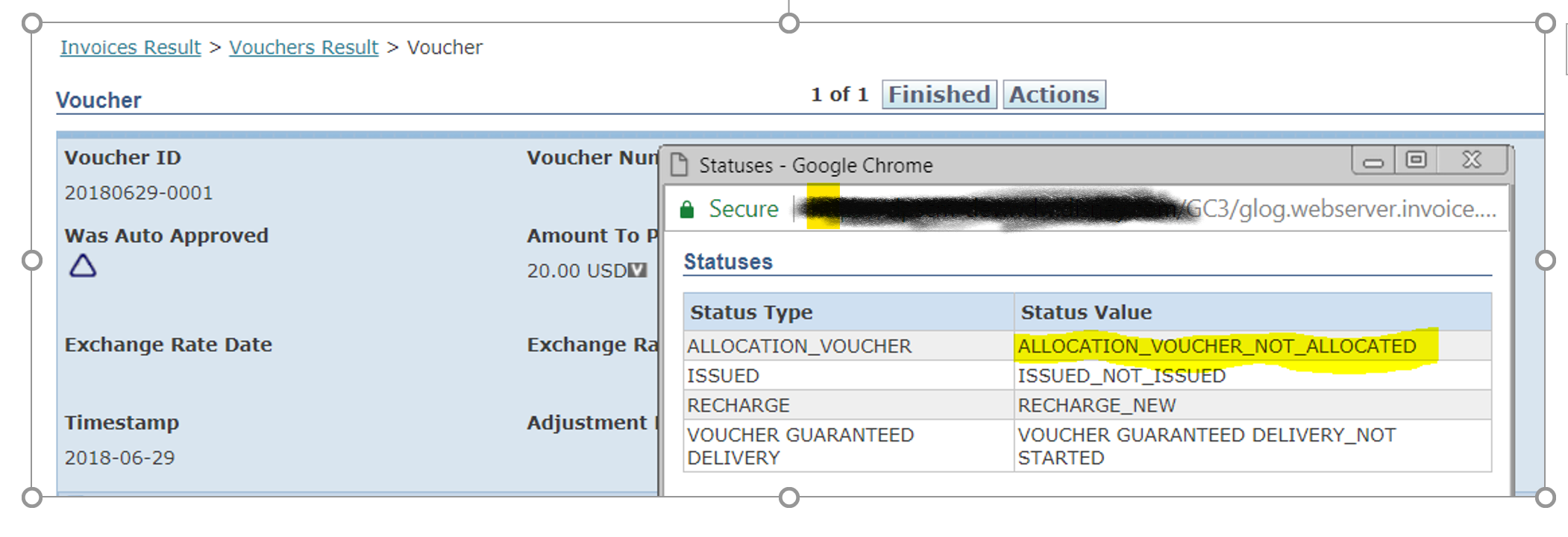
At this point the ALLOCATION_VOUCHER status on the voucher is NOT ALLOCATED:
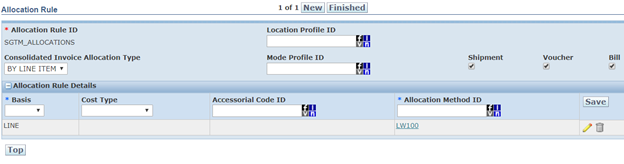
Define an Allocation Rule:
An Allocation Rule controls how the total voucher cost is split across Order Release lines. Define a rule that allocates 100% by line-level weight:
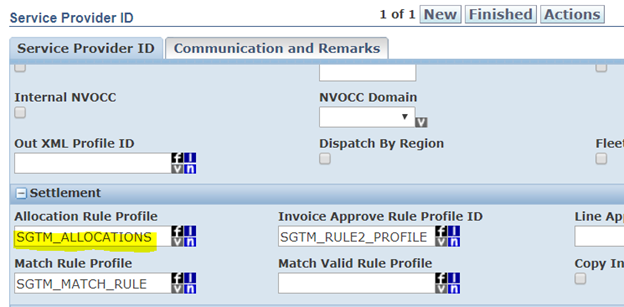
Attach the rule to the Service Provider:
Attach the Allocation Rule to the carrier’s Service Provider record so OTM knows which rule to apply when processing vouchers for that carrier’s invoices:
Run Allocate Voucher:
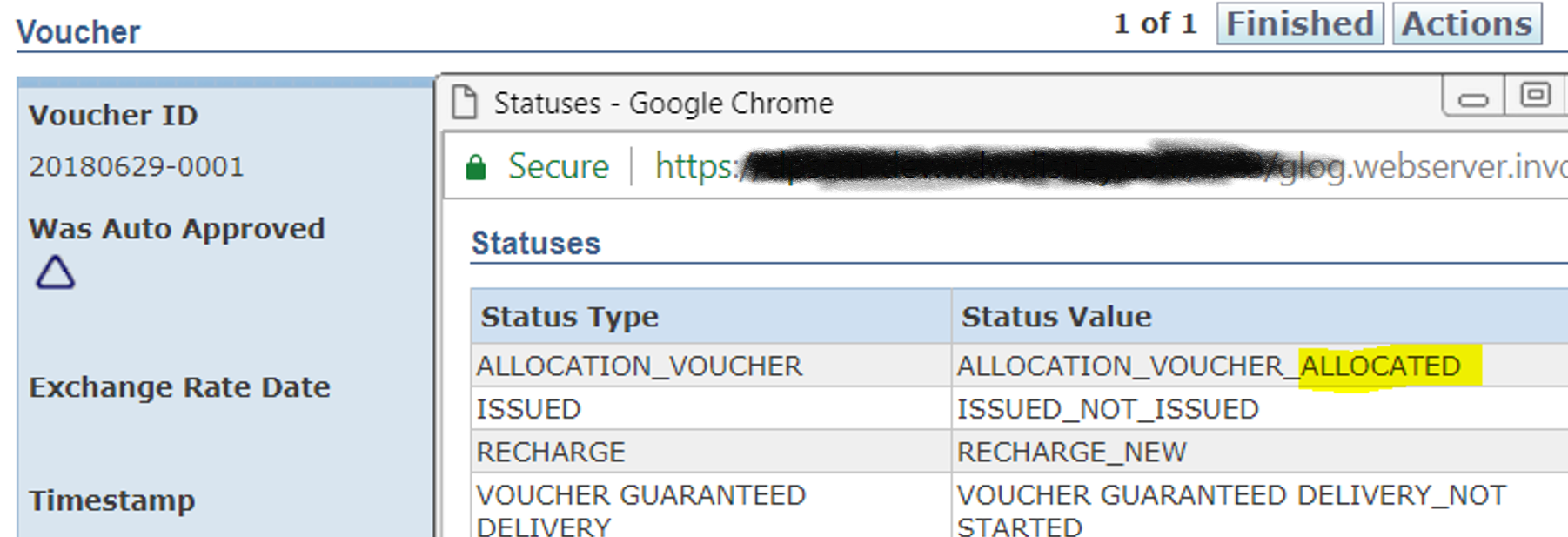
The ALLOCATION_VOUCHER status changes to ALLOCATED:
Verify the allocated cost on the Order Release:
Open the Order Release in View mode to see the freight cost allocated to it: