This is the first in a series of eight posts that walk through a complete OTM end-to-end transaction flow — from initial setup through planning, tendering, invoicing, and cost allocation. Each post builds on the previous one. Use this series as a starting point and refer to OTM Help documentation to explore each topic in depth.
You do not need to create a new Domain. Skip the Domain creation step and work inside your existing business domain instead. Everything else — Items, Locations, Equipment, Service Providers, Rates, Itineraries, Bulk Plan, Tender, Invoice, and Voucher Allocation — can be built and tested within your current domain without affecting production data.
Business Scenario:
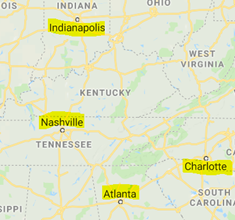
Toys Corporation (TCRP) has one DC/Warehouse and three store locations in different cities. The DC distributes three items (Item A, Item B, Item C) to those stores. TCRP has contracts with two carriers (SGTM, PNDP) who use 20 ft, 40 ft, and 53 ft equipment. TCRP wants to use OTM Bulk Plan to optimise transport costs and settle carrier invoices.
| Itinerary | Route | Carriers |
|---|---|---|
| ITIN-A | DC → LOC-B | SGTM, PNDP |
| ITIN-B | DC → LOC-C | SGTM |
| ITIN-C | DC → LOC-A | SGTM, PNDP |
| ITIN-D | DC → LOC-A → LOC-B | SGTM, PNDP |
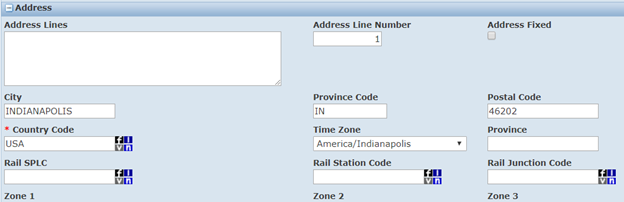
The locations map to real addresses:
Domain:
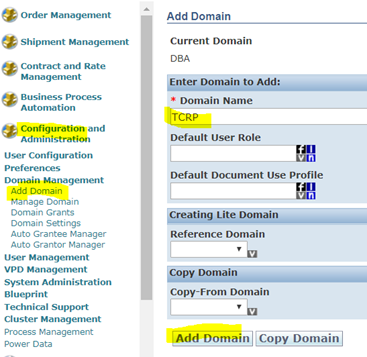
Create a new domain TCRP to hold all configurations and transaction data for this business scenario. Once your domain is up and running, it is worth reading OTM Domains — Standard Schema and Data Dictionary — it explains how OTM organises data across domains, the standard database schema, and how domain-level isolation works, which helps you understand why objects you create here stay within TCRP and do not affect other domains.
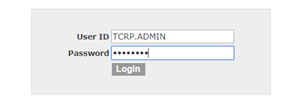
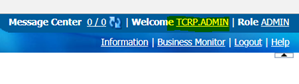
Log in to the new domain with the default credentials:
Items:
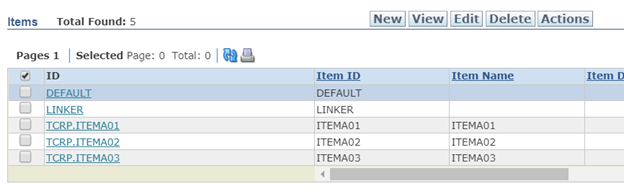
Define three items — ITEMA01, ITEMA02, ITEMA03.
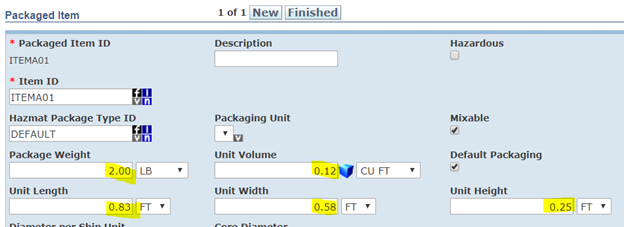
Set item weight and dimensions:

Locations:
Create the four locations used in this scenario.
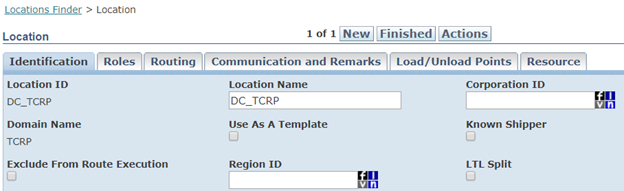
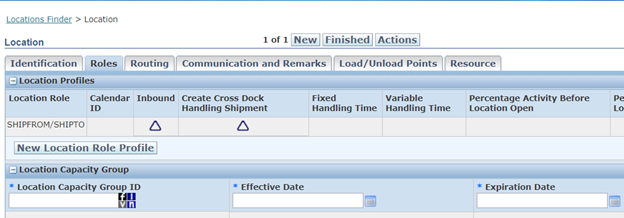
Create the DC/Warehouse location first with role Ship From:
Create the three store locations with role Ship To:

Equipment:
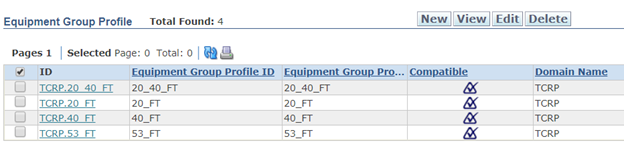
Define equipment groups for the three container sizes used by the carriers.
Create groups 20_FT, 40_FT, and 53_FT with their dimensions and capacity:

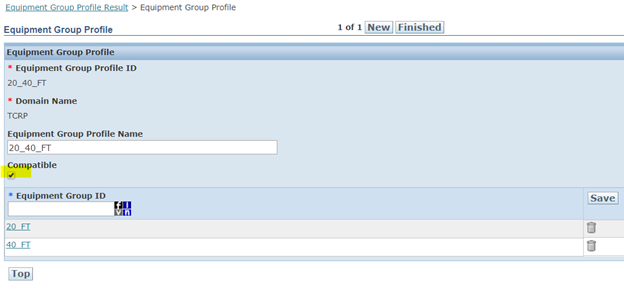
Define an Equipment Group Profile that groups these equipment types for assignment to itinerary legs: